
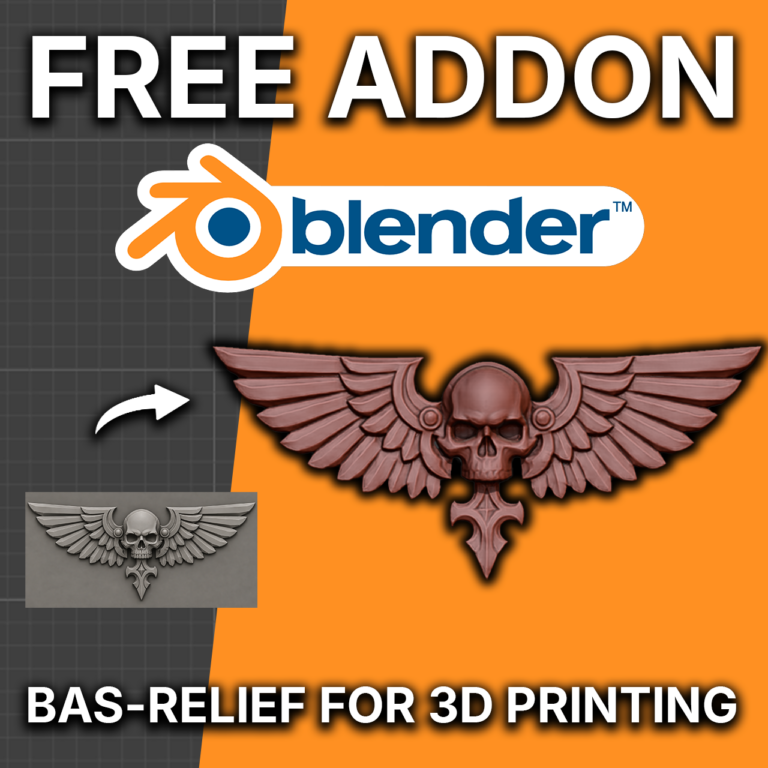
I needed to have a simple way to convert an image into a depth-map and then into 3D Geometry. My previous workflow included using a ComfyUI workflow to generate an image, using another workflow to extract a depth-map, and then a geometry node in Blender to turn it into a mesh. But I figured since I’ve got the power of Claude on my side, I can effortlessly develop an addon that does most of this work for basically peanuts.
Other addons I’ve tried introduced a lot of friction so I minimized that by making the process just a few clicks and then you can change some parameters like depth height, cut-off depth, detail boosting, backing thickness, and the option to swap between models. It’s all local too, so no need to use the internet after you download and install it.
Meet the ProxyBrewer Bas-Relief Tool! Here’s a video about it:
You can get this tool via Gumroad: https://proxybrewer.gumroad.com/l/bas-relief-tool
Donations are obviously always welcome so I can continue to patch issues and bugs. I hope this free tool helps you as it has helped me!